Turn a scene into a silhouette.
Shape a bold outline, set your material size and minimum bridge, then inspect the SVG before you download it. The studio remembers your cut preferences on this device and uses them to tune the next draft.
At markets, use the mobile showcase to browse examples and show clients what’s possible. For detailed design and outline editing, use a desktop or laptop.

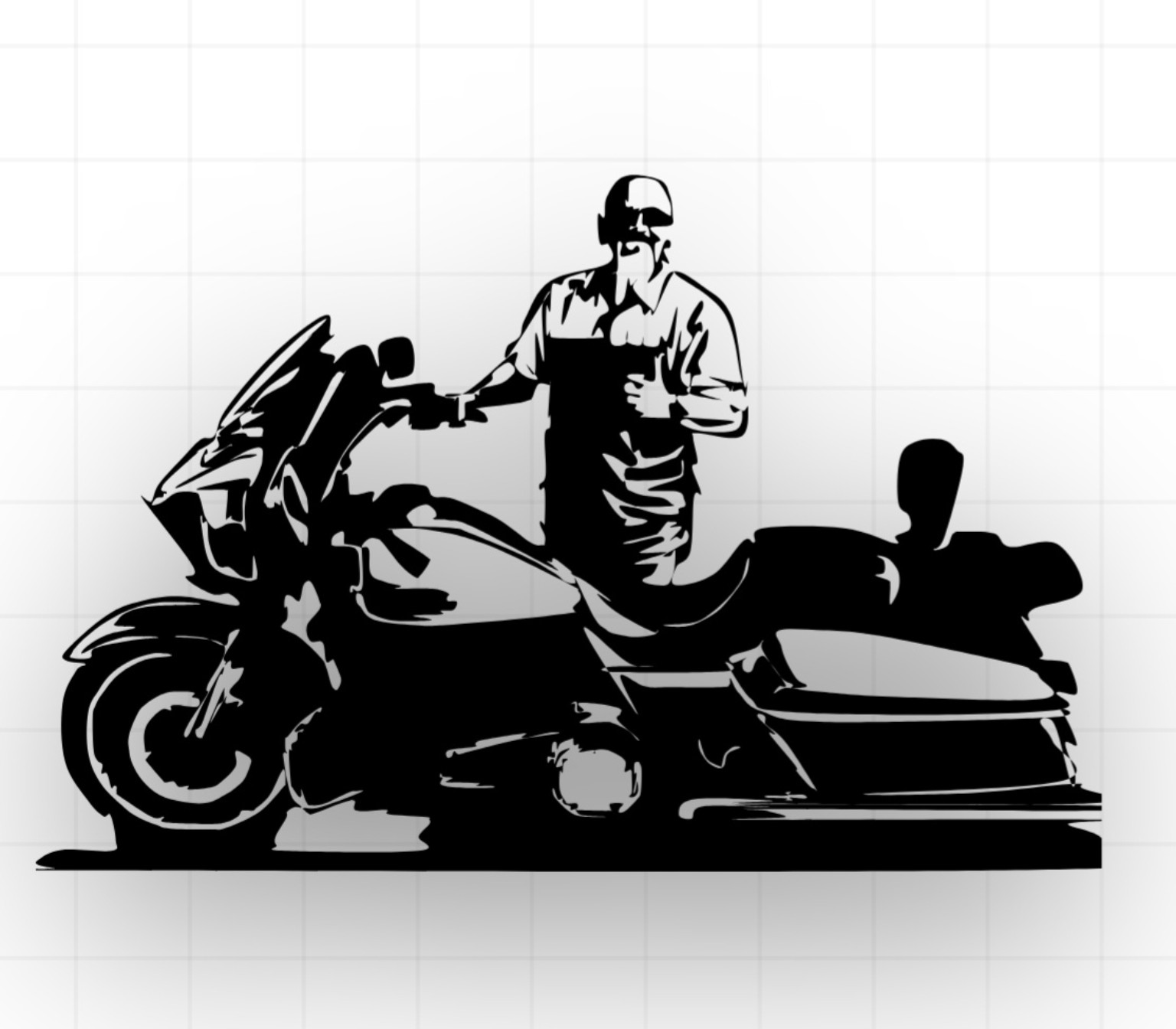
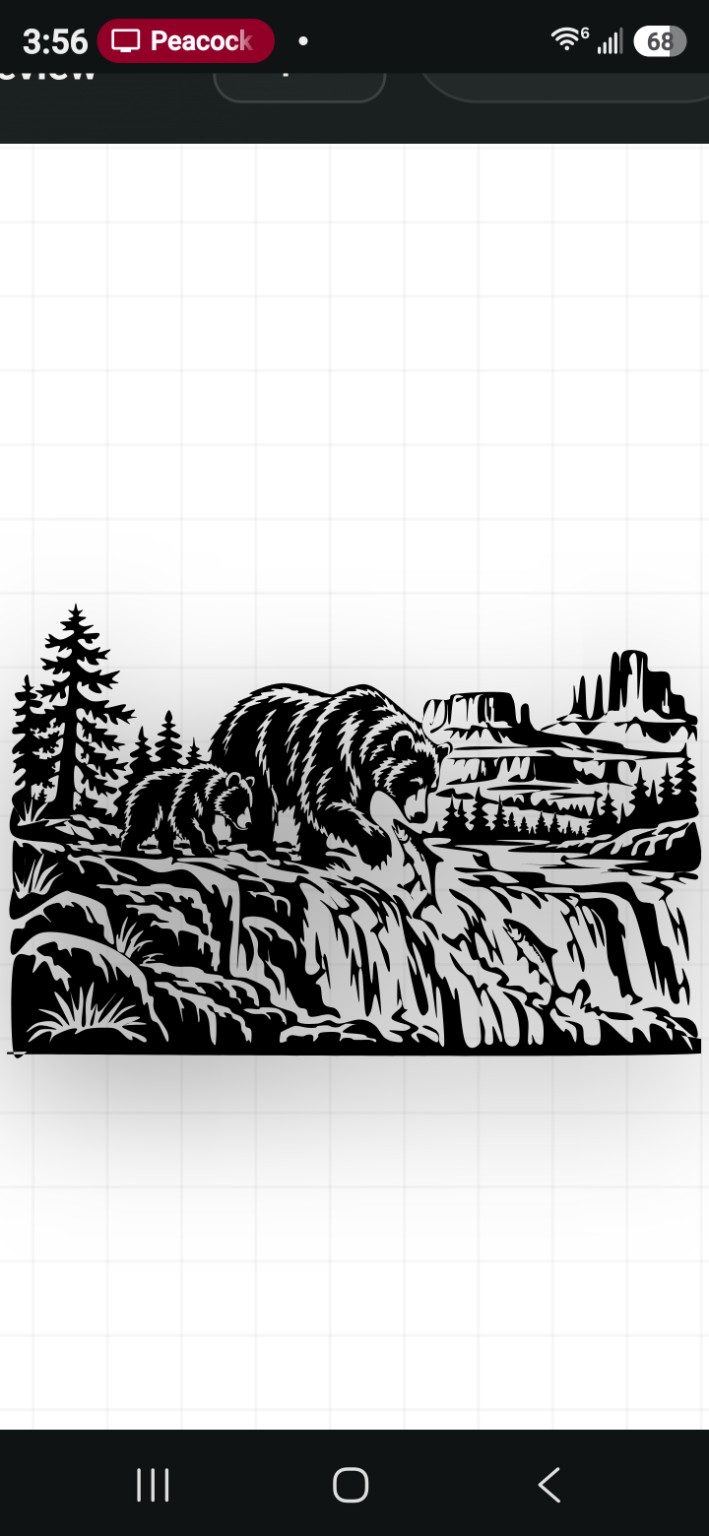
Build a silhouette
Describe a subject or scene in your own words. AI creates a closed vector outline that you can inspect, edit, and download for your CNC software.
Your cut preview
Saved pieces
Pieces and CAD edits sync across your signed-in devices. A browser copy is kept as backup.
Checking cloud sync…Teach the studio your cut style
Make a correction in this studio’s CAD editor, then save what you changed. Your private profile guides your future designs.
Teach from edits made in this studio
After editing a piece in the CAD outline editor above, choose what you corrected. The studio saves the selected preference types to your account; your drawing itself is not used as a training example.
Edit a piece here, select the correction types below, and save the lesson.
Your piece stays with your account. Private learning is off until you opt in. Anonymous category sharing is separate and off by default.
Your account
Sign in to keep your pieces and editing progress tied to your own account across devices.
One-time Square checkout. Credits are added after Square confirms payment.
Sign inSign-in is handled securely by the site platform; this studio does not store a password.
You may cut and sell physical pieces made from designs generated in your account. If you upload a photo or artwork that you created and own, you may use your own discretion to sell the resulting SVG or other digital file. You are responsible for deciding whether the source is your own work and whether you have the rights needed for resale. Do not sell, share, sublicense, or redistribute digital files generated by the Studio from text prompts without customer-owned source artwork. For images or artwork made by someone else, get permission that covers digital resale before selling the resulting file. AI-generated designs may be similar to designs created for other members; exclusive or unique results are not guaranteed.
One-time pass: $19.99 for 30 days, no automatic renewal. Sign in later with the same email to use your access. Checking the box switches checkout to $19.99/month with automatic renewal.
Owner setup · Square connection
Enter your Square Production credentials here. They are encrypted before storage and never shown back on this page. The Studio finds its monthly plan automatically.
Built around the way you cut
Pick a landscape family, set the finished size, and choose inches, centimeters, or millimeters.
Inspect and edit the closed, connected outline, then import the SVG into your CNC software.
Feedback tunes local detail preferences. Reset it whenever you want a fresh start.